
As production information management systems (like MES and ERP) continue to evolve, manufacturing workshops increasingly require real-time data visibility through frequent information interaction. However, traditional paper-based work reports and manual tracking suffer from a lack of flexibility, delayed updates, and high error rates, leading to severe data bottlenecks.
To break down these silos, the introduction of a Rugged Mobile Computer For Manufacturing has become an absolute necessity, making operational management faster, more accurate, and highly efficient.
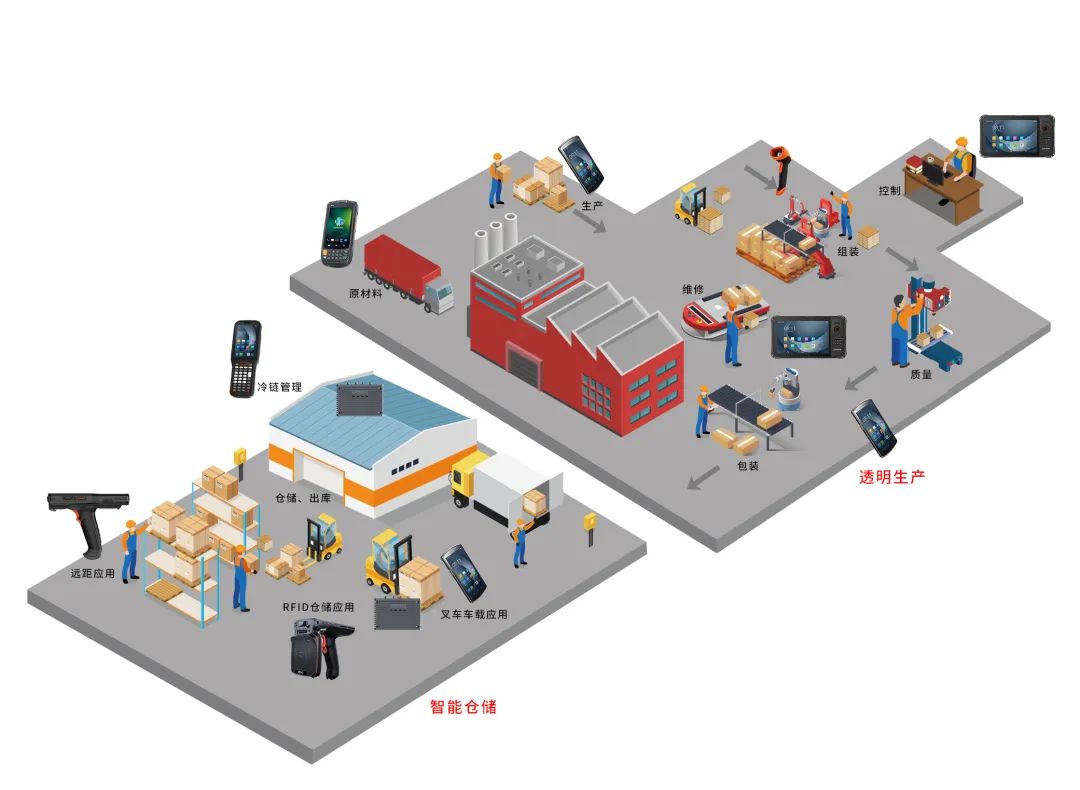
PDA stands for Personal Digital Assistant. While consumer PDAs (like smartphones and tablets) help us with daily communication and entertainment, the manufacturing floor requires something much tougher. An Industrial Handheld Barcode Scanner Terminal is purpose-built for the industrial field. It integrates professional hardware such as robust 1D/2D barcode scanners, RFID readers, and rugged housings designed to withstand drops, dust, and water.
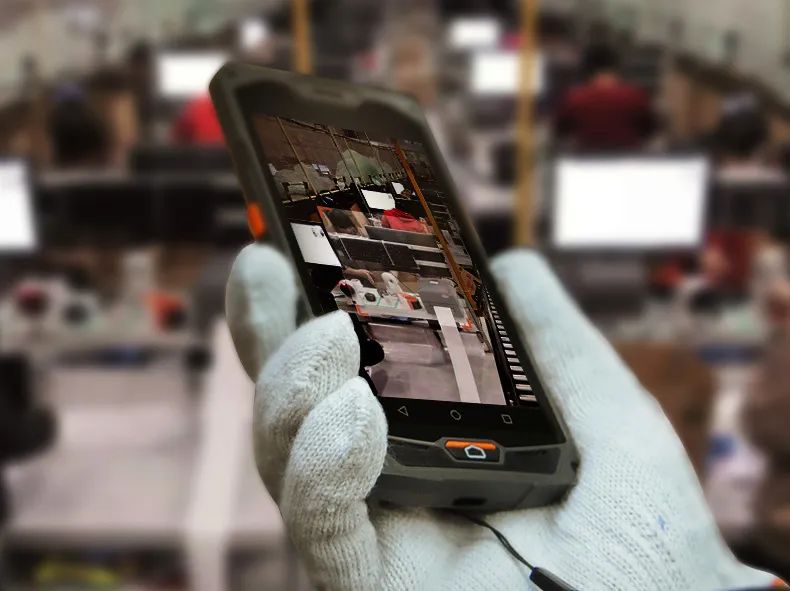
Industrial Mobile Computer
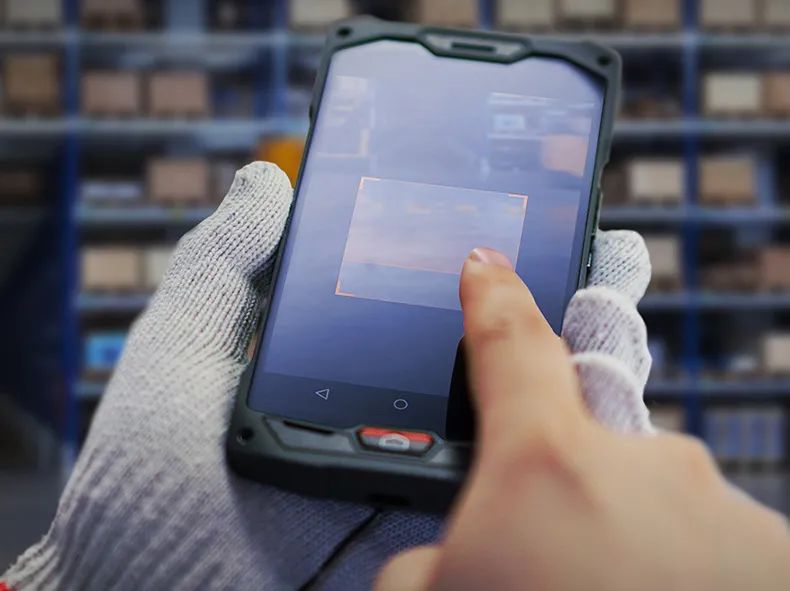
Waterproof Scanner
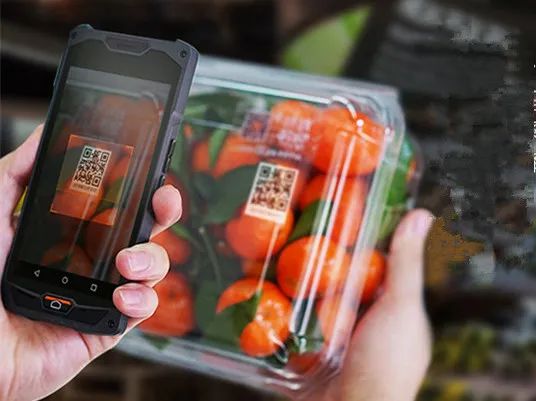
4G Android Scanner
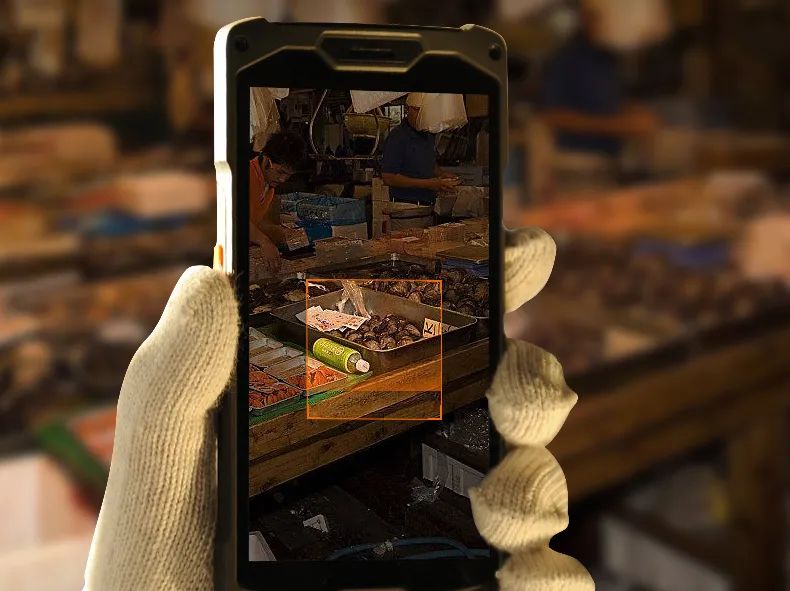
Warehouse Scanner Tool
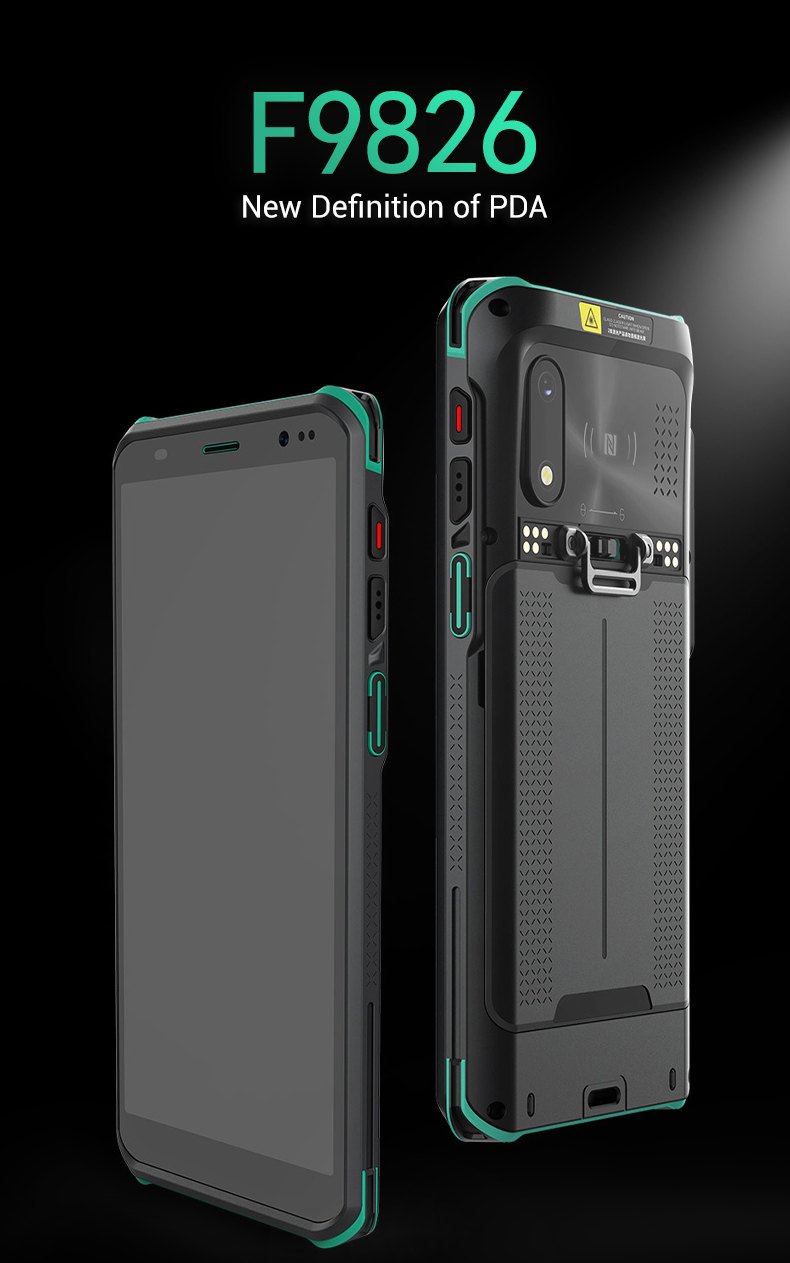
By equipping your workforce with a Rugged Android PDA Mobile Terminal, you instantly upgrade your facility's operational capabilities across several critical areas:
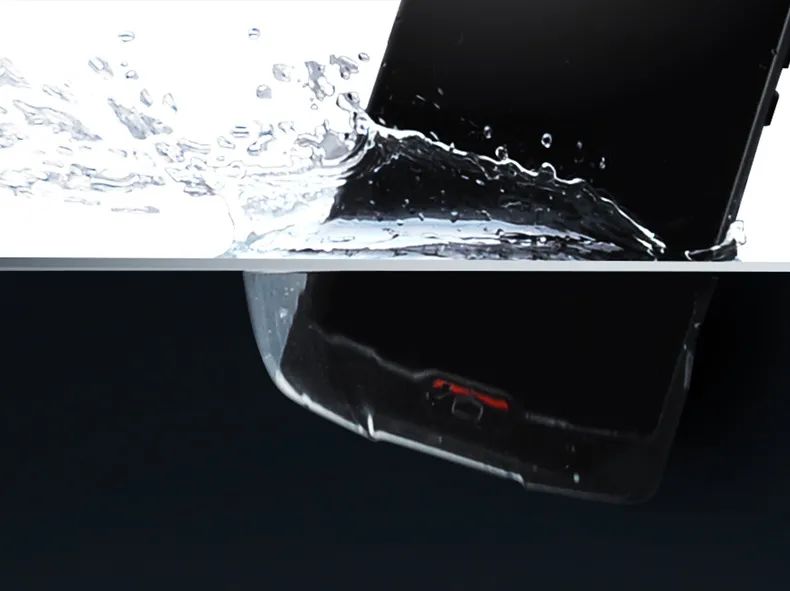
Enables intelligent warehousing functions, real-time confirmation of production tasks, and mobile receiving/sending. This drastically reduces the cost of material movement across the floor.
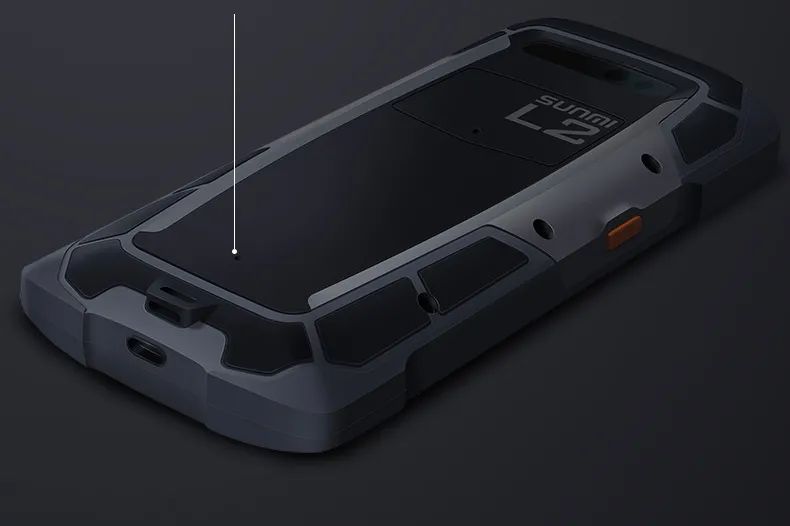
Maintains real-time control of the production process. Supervisors can easily adapt to different audit needs, upload photos of environmental factors or operational errors, and implement rapid corrections.
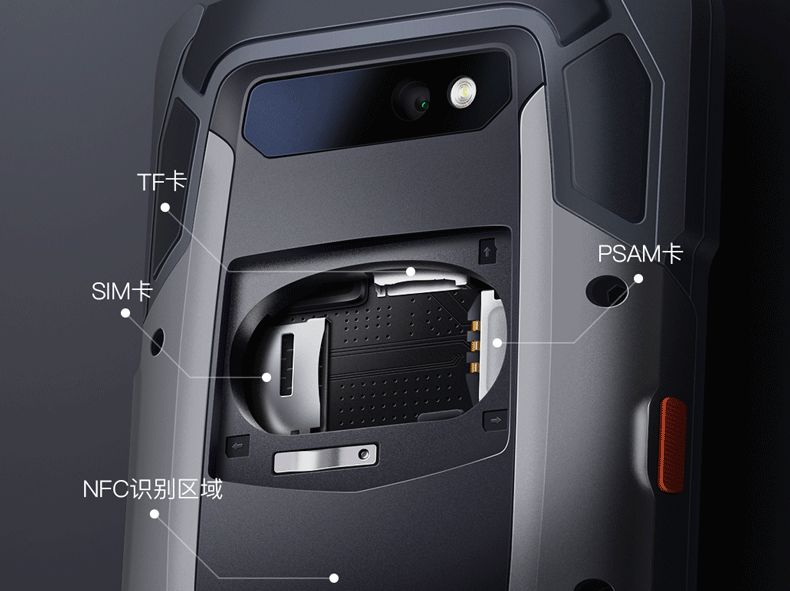
Equipment ledgers are electronically archived and standardized. Daily inspection and maintenance records are updated instantly via on-site code scanning, facilitating complete traceability.
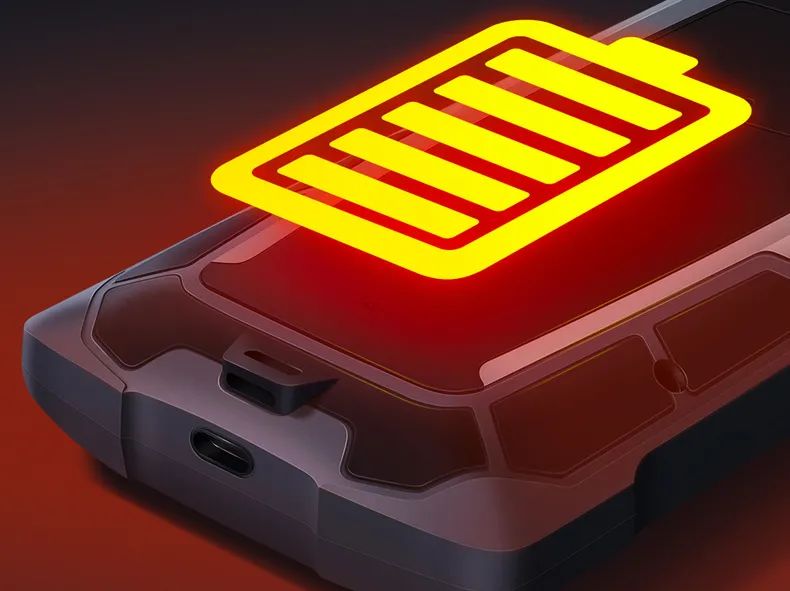
Provides precise visualization of work reports. Managers can monitor the status of materials at any time and effectively oversee production progress and staff efficiency.
The capabilities of PDA mobile terminals go far beyond these examples.
Once integrated, the potential for optimization is limitless. Whatever operational bottleneck you can think of, a rugged PDA terminal has the power to solve it.

- end -
Hi! Click one of our members below to chat on
 en
en 


 IPv6 network supported